
WISP Reminder: IRS is reminding firms that a WISP is required
Article Summary: The IRS has reminded tax professionals to keep their Written Information Security Plan (WISP) current. A WISP covers people, processes, and technology, and it only works if it matches how your firm actually operates. This article walks through the five areas to review, the common gaps between policy and practice, and how to keep your plan current as your firm changes.
Prefer to read? The full article is below, or watch our video (3:55).
Key takeaways
A WISP describes how your firm protects client data across people, processes, and technology.
Focus your review on five areas: accountability, risk assessment, training, access control, and incident response.
The biggest risk is the gap between what your plan says and what is actually turned on.
Review your WISP on a cycle (at least once a year) as staff, software, and vendors change.
A technology review can confirm whether your written safeguards are truly in place.
If you run or manage a CPA or tax practice, the term WISP has probably crossed your desk more than once. A Written Information Security Plan describes how your firm protects sensitive client information, and the IRS has reminded tax professionals that it matters.
This is not a new rule. The foundation dates back to the Gramm-Leach-Bliley Act in 1999, and regulators have updated and strengthened the safeguards expectations several times since. A reminder from regulators is a good prompt to pause and honestly assess where your firm stands.
A WISP is a description of how you work, not a document you file
The most common misunderstanding is that a WISP is paperwork. You write it, save it to a folder, and move on. That version of a WISP does very little for your clients and even less for your firm.
A useful WISP describes three connected areas: your people, your processes, and your technology. Who is responsible for security? How does client data move through your office? What protections are actually running on your computers, email, and file storage?
All three have to line up. A strong firewall does not help if a staff member emails a return to the wrong address. A careful team cannot compensate for backups that have never been tested. Your written plan should reflect what your firm genuinely does, because that is what gets tested if something goes wrong.
Why the stakes are higher for tax and accounting firms
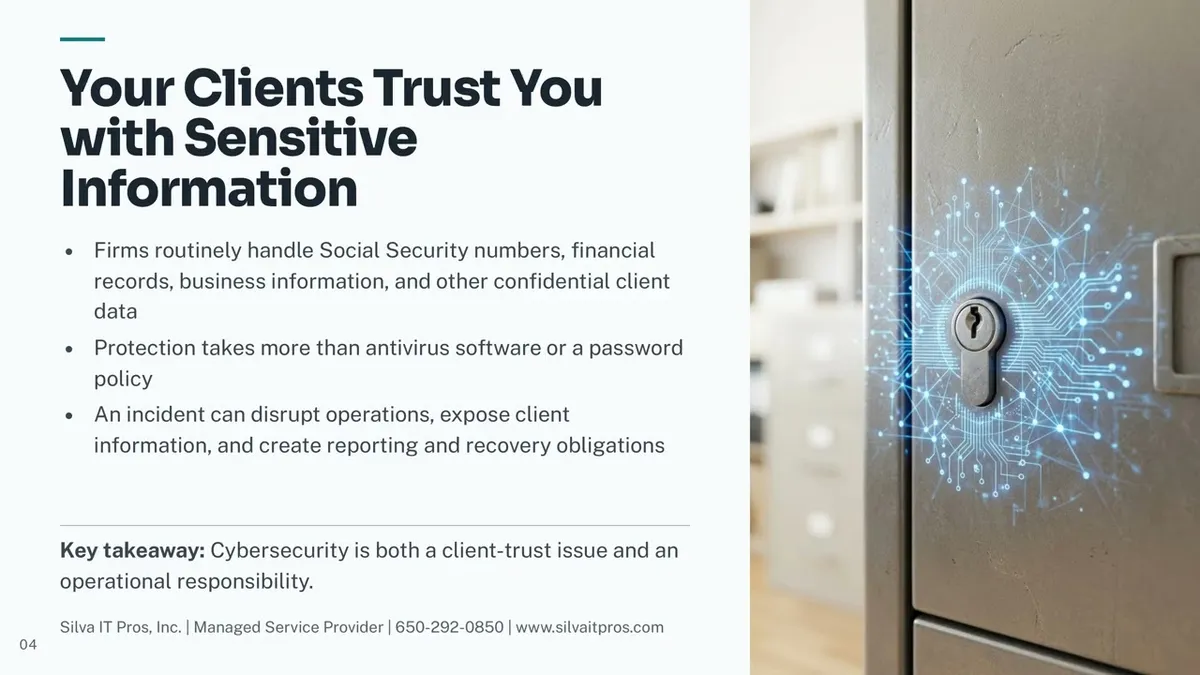
Think about what your clients hand you in a normal week. Social Security numbers for an entire household. Bank and brokerage statements. Payroll records. Business financials that competitors would love to see.
That information is valuable because it is permanent and personal. A stolen credit card can be reissued in a day. A stolen Social Security number follows someone for life.
Protecting it takes more than antivirus software and a password rule. When an incident happens, the impact rarely stays limited to technology. You may face disrupted operations during filing season, notification and reporting obligations, time spent on recovery instead of client work, and difficult client conversations, no matter how well you handle them.
That is the real point of a WISP. Cybersecurity in a professional practice is as much about client trust as it is about operations.
The five areas to help you in your review
When you sit down with your plan, these five areas give you the most useful picture of where you stand.
Accountability. One named person should own information security at your firm. Not a committee, not "whoever is around." That person doesn't have to be technical; they need to ensure the work happens and the plan stays current.
Risk assessment. At a set interval, walk through what could go wrong and how likely it is. New software, a new remote worker, or a new vendor with access to client files is a flag: each one changes your risk picture.
Staff training. Your team is the most frequent target. Everyone who touches client data needs to recognize a phishing email, know how to verify an unusual payment or data request, and know exactly who to tell when something looks odd.
Access control. Staff should have access to the client data their role requires, and not everything in the system. Review who has access when someone changes roles, and remove it the same day someone leaves.
Monitoring and incident response. You need a way to notice problems and a written plan for what happens next: who to call, in what order, and what to document.
If any one of these feels vague when you read it, that is your starting point. You do not have to fix everything at once.
The gap between what your plan says and what is actually on
This is where most firms get surprised, and it is worth being blunt about it. A WISP can be well written and still describe a firm that does not exist.
A few examples:
Multi-factor authentication. Multi-factor authentication means a second step beyond a password, usually a code or an app prompt. Your plan may require it. Is it actually enforced on email, your tax software, and remote access? Is it enforced for every user, including partners, vendors who have access to your information, or temporary help?
Backups. Your plan may describe secure backups. When was the last time someone restored a file from one to confirm it works? An untested backup is a hope, not a safeguard.
Offboarding. Your plan may say accounts are disabled when someone leaves. Check whether last season's temporary preparers still have active logins.
Encryption and file transfer. Your plan may say client documents are exchanged securely. Watch what happens on a busy Tuesday in March and see whether attachments are still going out by regular email.
Updates and patching. Your plan may require current software. Confirm that every workstation, including the laptop someone uses from home, is actually receiving updates.
Checking them is straightforward, and the results tell you exactly where to spend your effort.
A quick self-check you can do this week
You do not need a formal audit to get a clear read on your firm. Ask these five questions and answer them honestly:
Do we have a current, documented WISP, and when was it last updated?
Is one specific person responsible for keeping it accurate?
Could every staff member recognize a phishing attempt today?
Are the technical protections we wrote down actually turned on and verified?
Do we know, step by step, what we would do if client information was compromised?
Answering "not sure" to any of these is useful information, not a verdict. It tells you where the next conversation should start.
Treat your WISP as a cycle, not a project
Firms change constantly. You hire seasonal staff, adopt a new portal, let someone work from home two days a week, bring on an outsourced bookkeeper. Each of those changes introduces risks your original plan may never have considered.
The practical approach is a simple repeating cycle: assess what could go wrong, protect against it, monitor for problems, then review and update. Many firms tie a formal review to a calendar point; after filing season is a natural fit, when the work is fresh and the pressure is off.
Between reviews, treat meaningful changes as triggers. A new staff member, new software, a new vendor with data access, or a security incident anywhere in your operation. Each one deserves a quick check to see whether the plan still matches reality.
Frequently asked questions
Does a small firm with only a few employees really need a WISP?
Yes. The requirement is tied to handling sensitive client information, not to firm size. A two-person practice handles the same kinds of Social Security numbers and financial records as a large one, so the same expectation applies: document and follow a security plan.
Can we just download a WISP template and fill it in?
A template is a reasonable starting structure, yet it cannot describe your firm for you. The value comes from documenting how your office actually operates, your software, your access rules, your vendors, your people, and then confirming those safeguards are really in place.
How often should we update our plan?
A full review at least once a year is a sensible baseline, with a natural slot right after filing season. Beyond that, update it whenever something material changes: new staff, new software, new remote work arrangements, or a new vendor that can reach client data.
What is the difference between a WISP and our cybersecurity tools?
Your tools are the technical controls, things like multi-factor authentication, encryption, backups, and endpoint protection. The WISP is the plan that explains what you protect, who is responsible, and what happens when something goes wrong. Tools without a plan leave gaps; a plan without working tools is just paper.
Does Silva IT Pros write our WISP or certify our compliance?
We help with the first, not the second.
Silva IT Pros supports Clients through the WISP development and review process with technical guidance, consulting, and recommendations based on their IT environment and security requirements.
We help identify and document technical safeguards, evaluate existing security controls, uncover potential gaps, and recommend improvements to support implementing and maintaining your WISP.
While we serve as a trusted technology advisor throughout this process, we do not provide legal advice or formally certify regulatory compliance. Those responsibilities remain with your firm and its legal or compliance advisors.
Where Silva IT Pros comes in
Most firms we meet have a WISP. What they often lack is confirmation that the technology described actually works the way the document claims.
That's what we take off your plate. We review your technology environment against your plan, confirm that controls like multi-factor authentication, access restrictions, patching, and tested backups are truly in place, identify gaps in monitoring and incident response, and give you a clear, prioritized list you can act on.
The IRS reminder is a good excuse to take a fresh look while you still have time to do it calmly. If you would like an outside set of eyes on your firm's security practices, call 650-292-0850 or visit silvaitpros.com.
Want the Free WISP Readiness Self-Check?
Sources and IRS resources
IRS and Security Summit remind tax pros they need a WISP (IR-2026-92, Aug. 18, 2026)
IRS Publication 5708: Creating a WISP for Your Tax & Accounting Practice (PDF)
This article accompanies the Silva IT Pros video "WISP Reminder".
AI-assisted content disclosure: This article was created with support from AI tools. Final judgment, recommendations, and editorial decisions remain with Silva IT Pros, Inc.
